■ CASE STUDY · BUSINESS SYSTEM
PRO·ADM
How we turned a real production-floor process into one connected system for sales, production and delivery.
- CLIENT
- Dalux ↗
- INDUSTRY
- Curtain manufacturing and installation
- SERVICES
- UX/UI design · DevelopmentAdmin system · Webshop · Mobile app
- OUR ROLE
- System design and development
- PODCAST
- Listen to the episode ↗
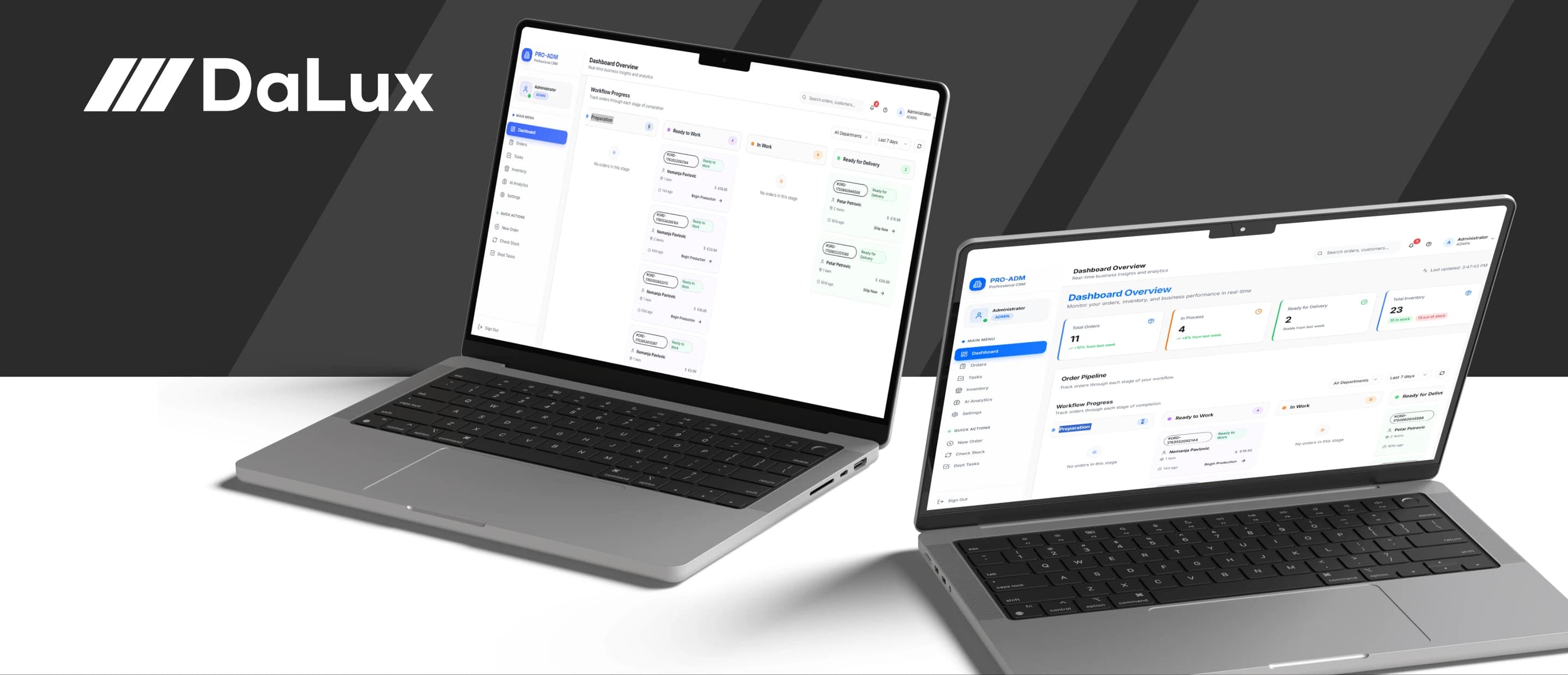
Dalux did not need another generic piece of business software. The process involved multiple people, different roles and a whole chain of steps from the first order to production, delivery and the customer's signature, so we did not start the project behind a computer.
We went on site, into the client's own space, talked to the people involved in every part of the process and went through exactly how the work gets done. Only after that did we define the architecture of the solution and build PRO·ADM, a system built around the way Dalux actually works.
01
Challenge
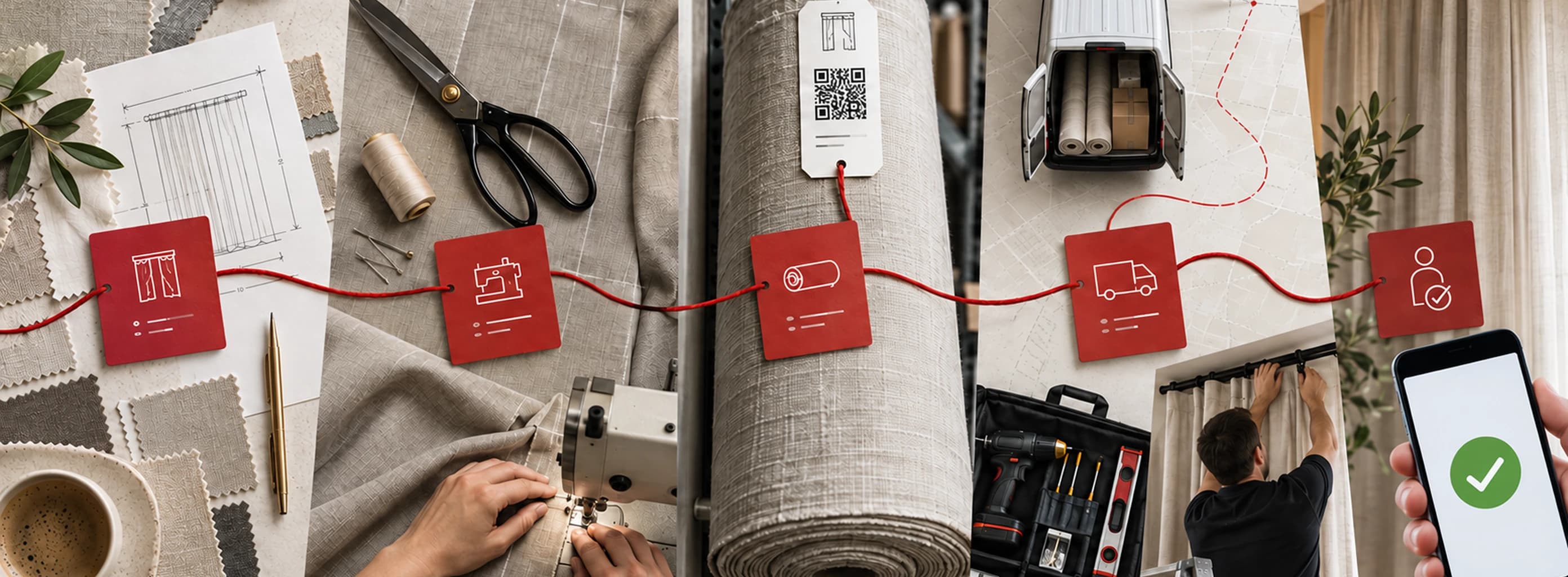
A single order at Dalux moves through several departments and a large number of interdependent steps. Sales receives the request and prepares a quote, production organizes the work, the warehouse tracks materials, drivers and installers work on site, while admin has to keep an overview of the whole process.
The problem was not just digitizing individual activities, but connecting them so that information does not have to be manually copied, emailed or checked between different people.
What was needed was a system that tracks the full lifecycle of an order, but in a way where every employee sees exactly what they need for their own job.
■ DELIVERED
What went into the delivery.
01
Admin app
02
Sales app
03
Delivery and installation app
04
Webshop
05
Print agent
02
Solution
Instead of one large application with the same interface for every user, we built five connected apps that share the same database, each one built around the people who actually use it.
02.1
Five connected apps
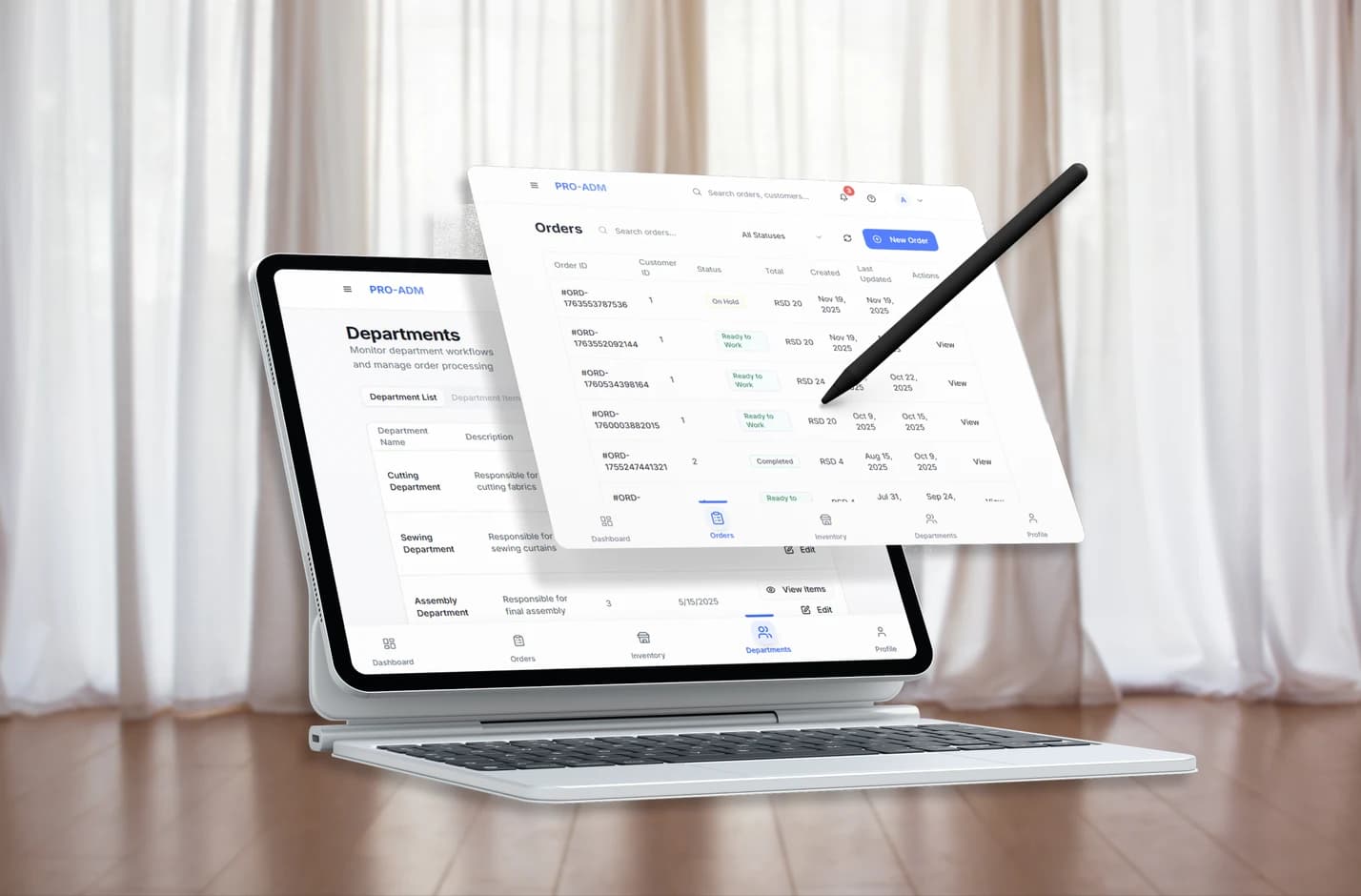
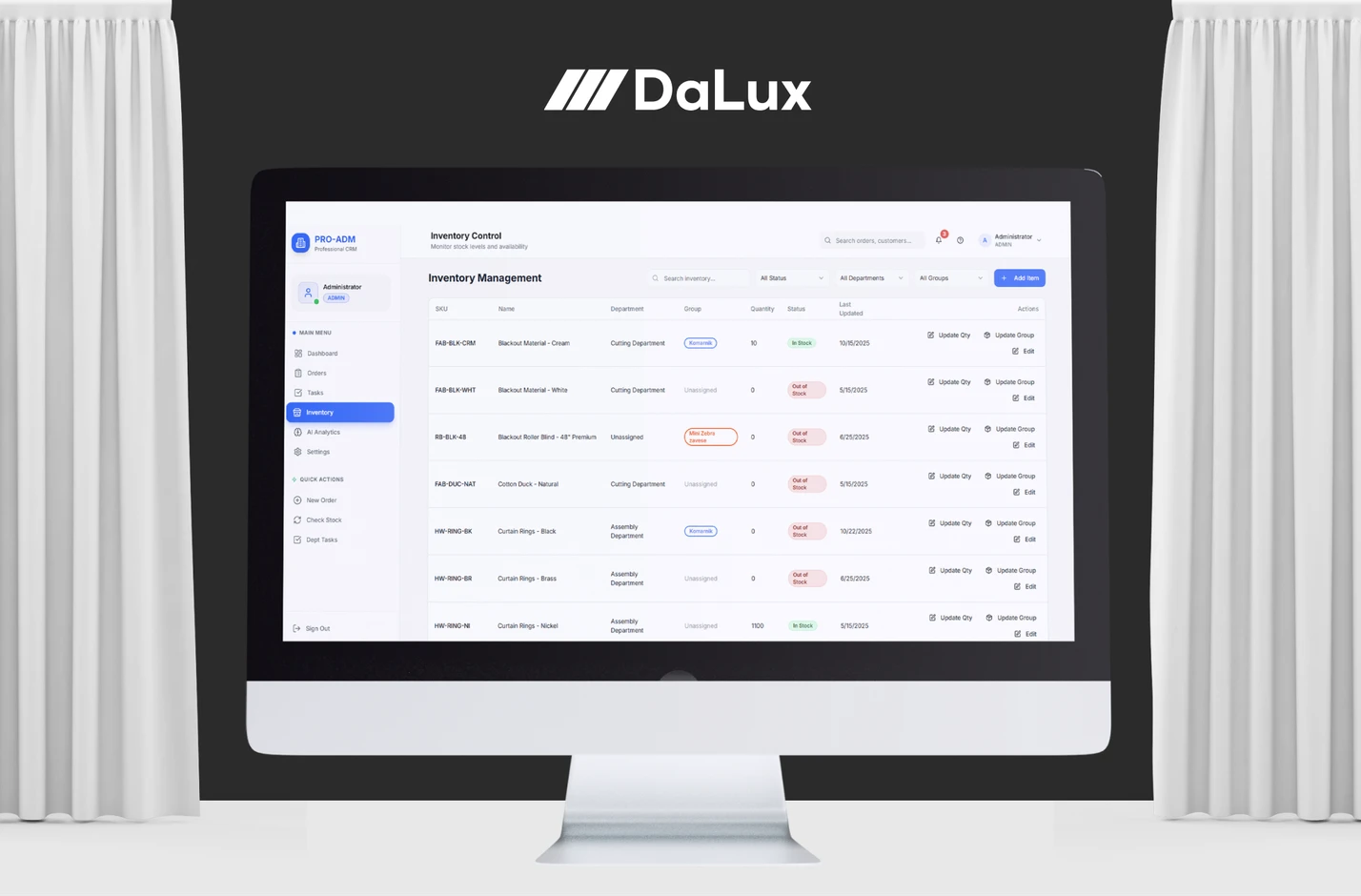
The admin app is the central place for managing orders, tasks, customers, the warehouse, users, analytics and settings.
The sales app lets staff create a quote and an order straight from the product catalog, with product configuration, document printing and a check of the required information before it goes to production. The delivery and installation app is built for use on a phone: drivers and installers scan QR codes, log what is loaded, use navigation, photograph the delivery and capture the customer's signature on screen, and it all works offline too — the data syncs once the device reconnects.
The webshop lets customers browse the public catalog and submit an order, which automatically enters the system as a new order, while the print agent connects the system to the thermal and other printers on the production floor and handles the print queue automatically.
02.2
One order, through the whole process
One of the key decisions was that the system should not just be a place to enter data, but should track the flow of work itself.
That is why we defined eight states an order moves through — from draft, through preparation and production, to delivery and completion — and status changes are never left to someone remembering to update them manually. Once a condition is met, the system moves the order forward on its own: starting the first production task, for example, can move an order into "In production", while finishing the last task prepares it for delivery.
Cancellations, complaints and delays are handled as well, so that exceptions to the process are also visible and tracked inside the same system.
02.3
From an order to production tasks
The system does not just record what was sold — based on the products in an order, it can automatically create the actual tasks for production.
Groups of items have defined operation recipes, formulas for calculating quantity and price, the departments involved and production rules, so once a salesperson enters a product configuration, the system prepares the work that needs to happen on the floor.
Workers then see the tasks for their own department and log when work starts and finishes, while admin has a constant view of progress, priorities, deadlines and any tasks running late.
02.4
11 modules in one system
PRO·ADM covers the full operational process through modules for orders, production and work tasks, the warehouse and items, customers, delivery and installation, complaints, documents and printing, the webshop, analytics and AI insights, users and access rights, and system settings.
Access rights are tailored to the organization as well: a user can belong to different departments and only gets access to the information and work relevant to their role.
02.5
Connecting to the Calculus ERP
The new system was not meant to create another parallel set of records that someone would have to maintain by hand, so we connected PRO·ADM to Dalux's existing Calculus ERP.
Items, services, customers, prices and stock levels sync between the two systems, with rules for creating, updating and linking data without unnecessary duplicates.
That way Calculus stays part of the existing business environment, while PRO·ADM takes over running the operational process from sale to completed delivery.
03
Result
The result is not just one new app, but a central system through which Dalux can run the entire process of a job.
Sales, admin, production, the warehouse and people on site now work on the same data, through screens built around their own tasks. Order status reflects the real state of the work, production tasks are linked to orders, delivery is documented on site, and information no longer moves between disconnected spreadsheets, messages and documents.
Most importantly, the system was not built from an assumption of how a manufacturing company should work. It was built around how Dalux actually works.
■ IN NUMBERS
5
Connected apps in the system
8
Statuses an order moves through
11
Modules in one system