■ CASE STUDY · CLIENT PORTAL
Beire Client Portal
How we turned a complex flow of information into a simple client portal for tracking projects.
- CLIENT
- Beire ↗
- INDUSTRY
- Exhibition stands and trade shows
- SERVICES
- UX/UI design · DevelopmentClient portal · Dashboard
- OUR ROLE
- Portal design and development
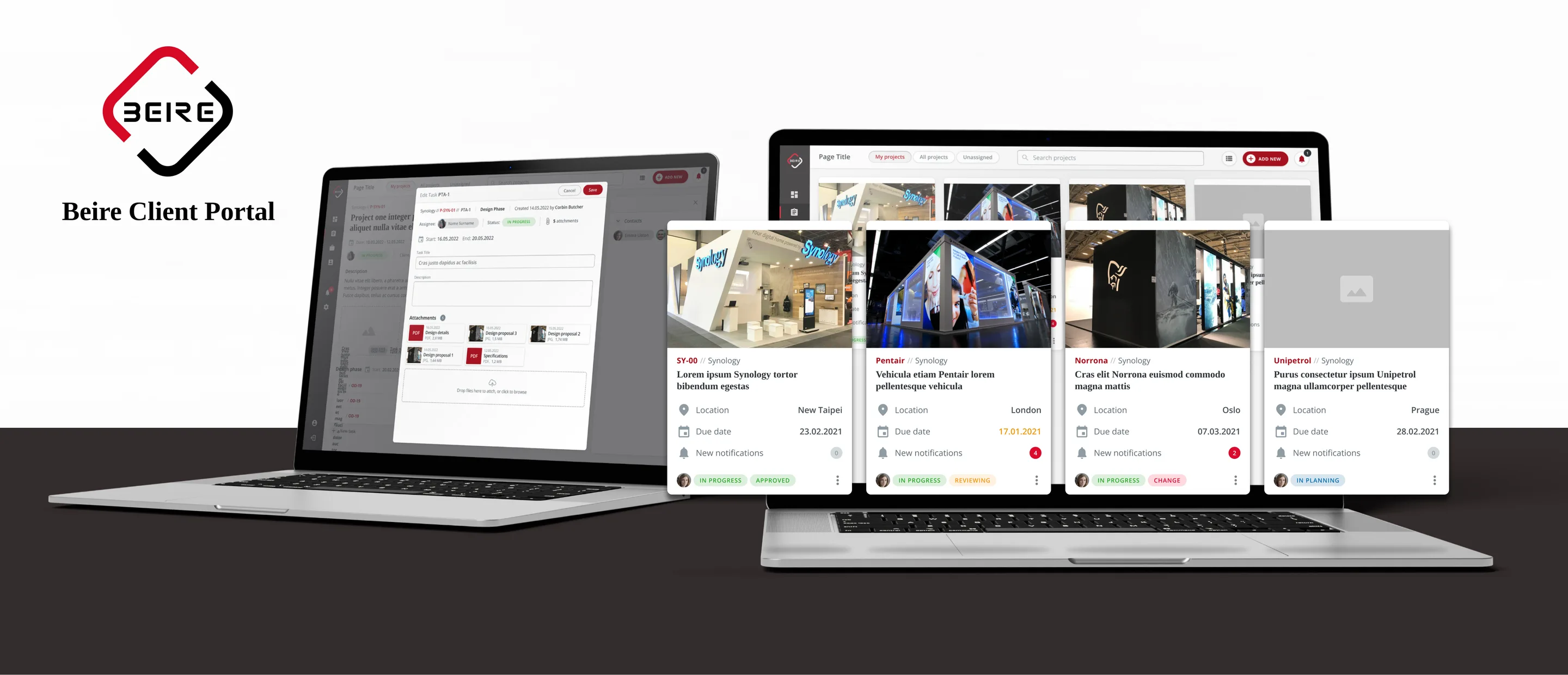
As the number of projects grows, so does the amount of information a client has to keep track of: statuses, documentation, changes, deadlines and the latest updates. The problem starts when all of that information is scattered across different emails, documents and communication channels.
That is why we built Beire a custom client portal that brings the most important project information together in one place and lets users see what is happening at any moment, without extra searching or back-and-forth.
01
Challenge
A large amount of project information is not a problem in itself. The problem is the way it is presented to the user.
Beire needed to give its clients access to different projects, statuses, documents and updates, but without an interface that feels complicated or needs extra explaining.
Our task was to organize complex information so that the user can tell at a glance what matters, where the project currently stands and where to find what they need.
■ DELIVERED
What went into the delivery.
01
Project dashboard
02
All-projects overview
03
Project detail view
04
Statuses and documents
05
UX and information hierarchy
02
Solution
We built a custom web portal tailored to the specific way the Beire team and their clients work.
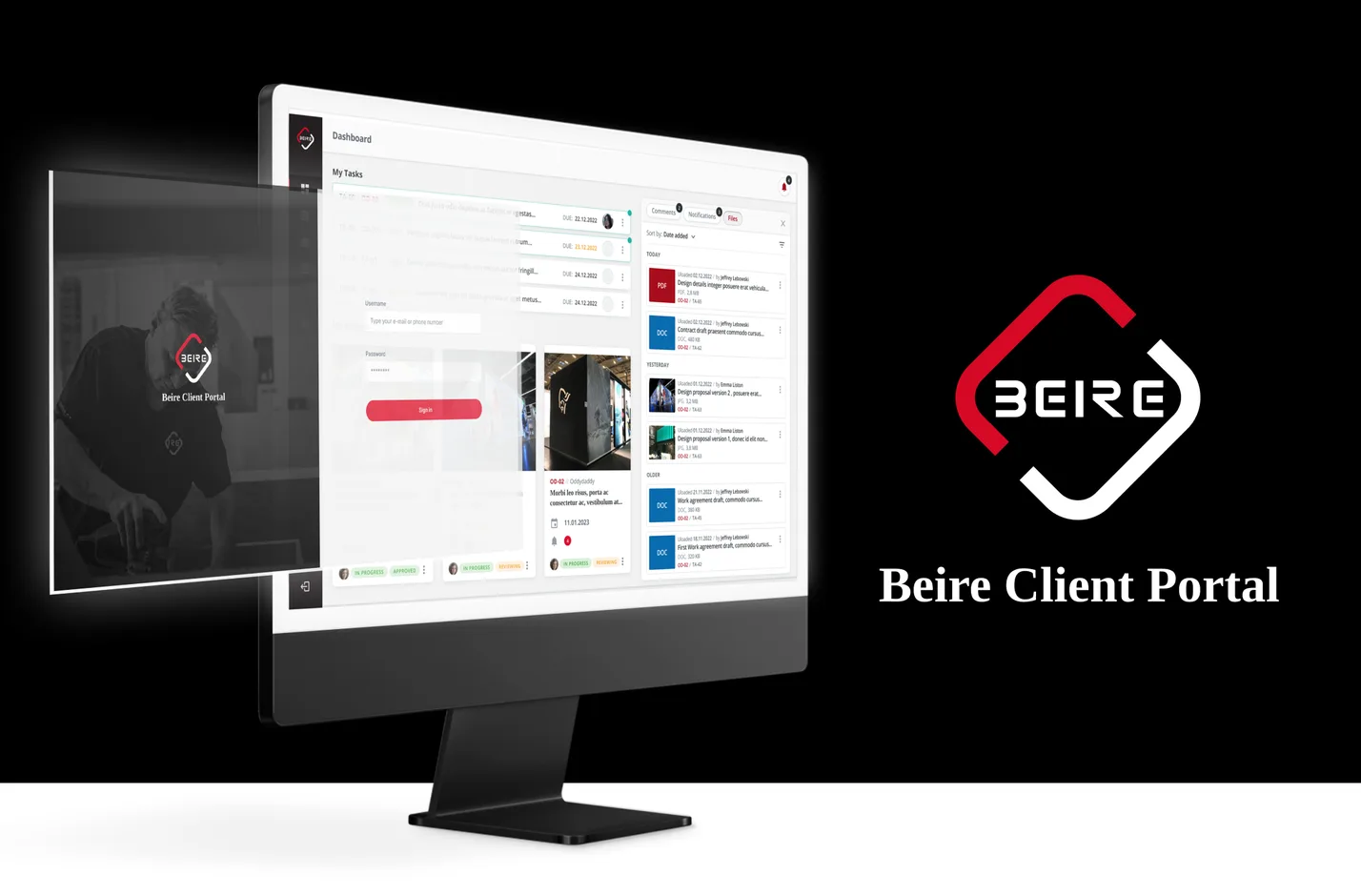
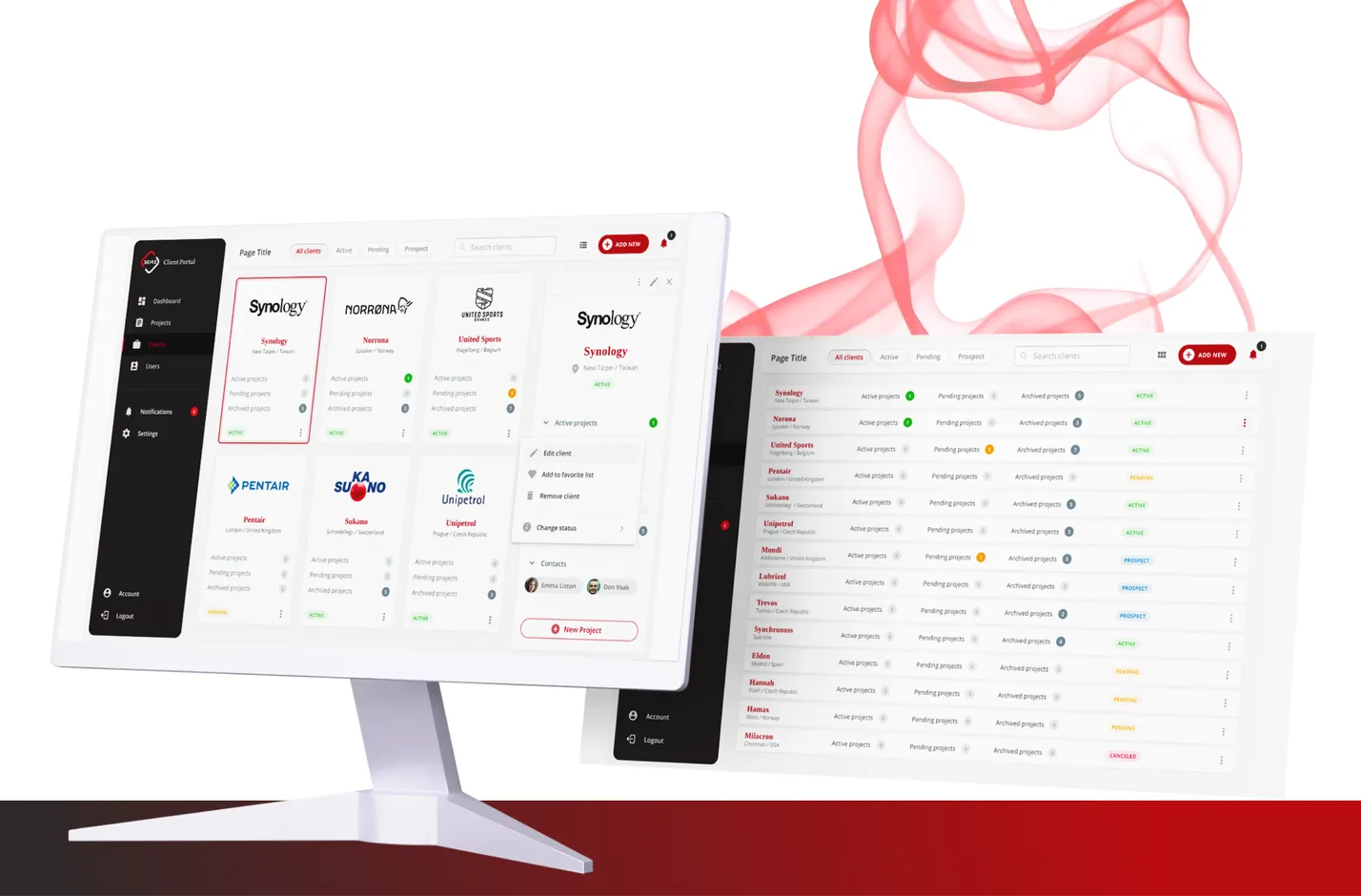
The heart of the portal is a dashboard that immediately gives the user an overview of active projects, their statuses, documents and the latest changes.
Instead of making the user go through a large number of different screens, we organized the information into a clear structure with simple navigation, so getting from the general overview to the details of a specific project takes just a few steps.
02.1
All projects in one view
We built a centralized project view that lets the user quickly see what is currently active and find the project they are interested in.
The key information is already available in the list, while clicking a project opens its detailed view with all the relevant data.
That way the user does not have to open every project one by one just to check its current status.
02.2
A detailed view of every project
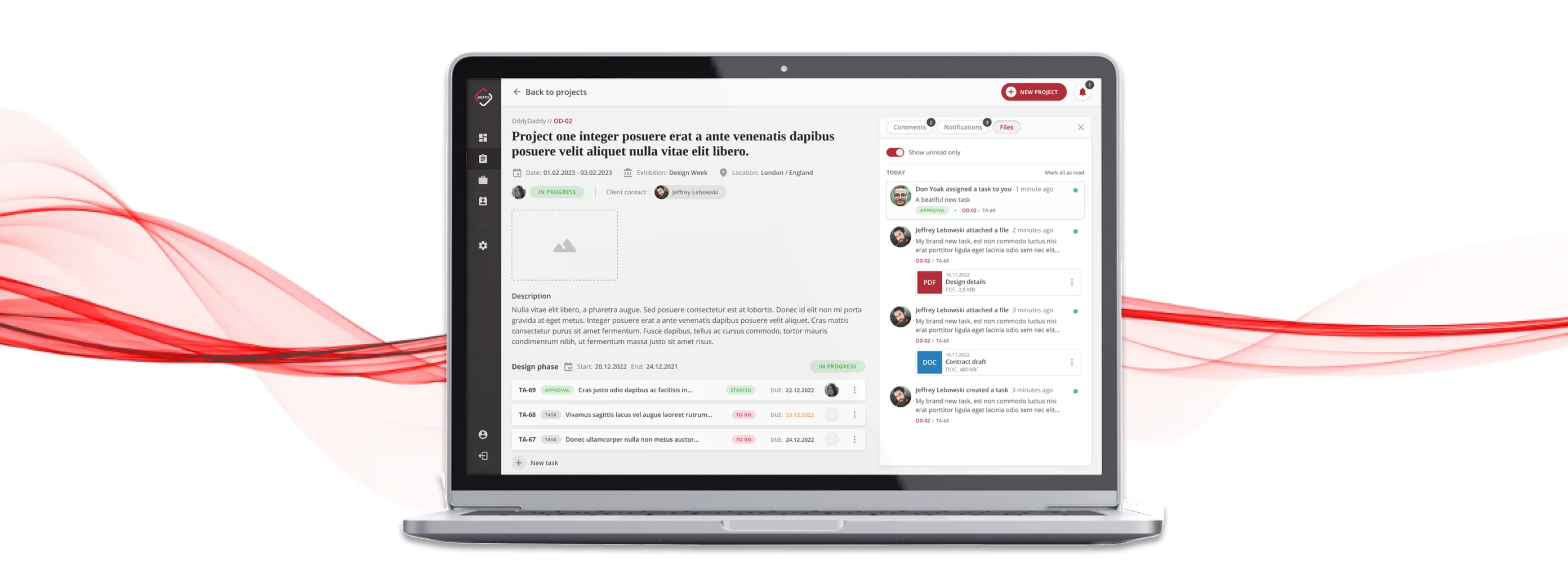
For each project we built a separate view that brings together the information the client needs over the course of the project.
Project status, documentation and updates all sit in one place, which makes the portal the central point of communication between the project and the client.
Particular focus went into the information hierarchy, so that even projects with a larger amount of data stay clear and easy to use.
02.3
Information that is always up to date
One of the portal's more important goals was that the client should not have to ask about every new piece of information on a project.
Through the updated statuses and information available inside the portal, the user can check the current state of a project and access the documentation they need on their own.
This way the portal does more than display data: it reduces the need for extra operational communication and gives the client more transparency throughout the whole project.
02.4
Design built around the amount of information
In a system like this, the biggest challenge is not adding as many features as possible, but keeping a large amount of information understandable.
That is why we put particular focus on UX: clear navigation, a consistent layout, an easy-to-scan structure and a visual hierarchy that guides the user through the portal.
The result is an interface that presents complex project data simply, in an organized way and without putting unnecessary load on the user.
03
Result
Beire got a custom client portal through which clients can follow their projects, documentation, statuses and the latest updates on their own, from a single place.
Instead of information spread across several channels, there is now one central place that gives the client a clear overview of what is happening right now.
For Beire that means simpler communication and a more organized way of sharing information, and for their clients more transparency and less time spent looking for answers.
■ IN NUMBERS
1
Place for every project
3
Statuses, documents, updates
4
Sections of the portal